
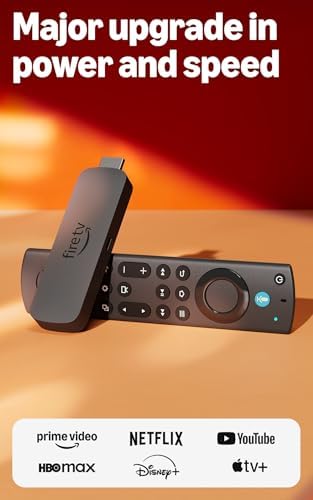
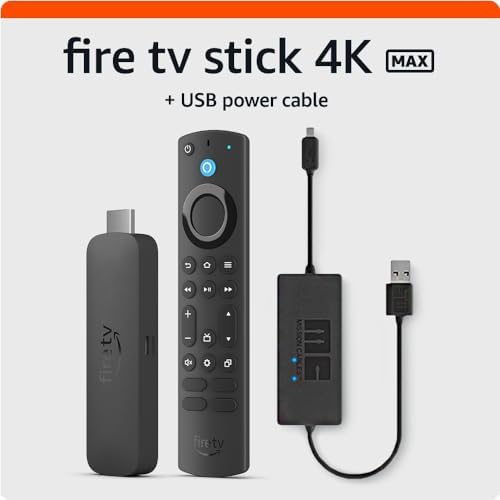
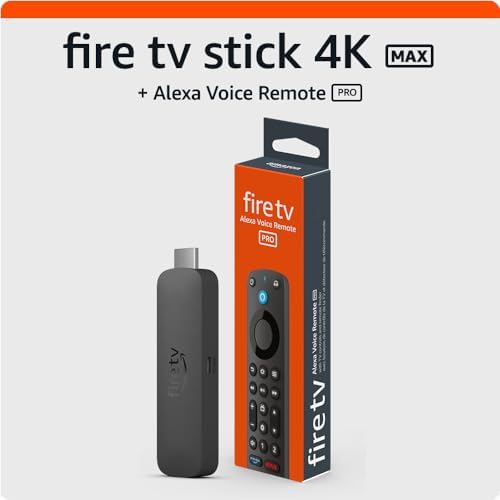
The Fire TV Stick 4K Max is one of Amazon’s most powerful streaming devices, offering fast performance, 4K Ultra HD resolution, and Alexa integration. But did you know it can do more than just stream your favorite shows? Content creators, streamers, and productivity enthusiasts can also use it to enhance workflow, entertainment, and productivity. Here are the top 5 tips to get the most out of your Fire TV Stick 4K Max.
1️⃣ Enable Alexa Voice Commands for Hands-Free Control
The Fire TV Stick 4K Max comes with Alexa voice integration, allowing you to control your device without touching the remote.
- Launch apps, search for shows, or control playback using your voice
- Use commands like “Alexa, open YouTube” or “Alexa, play tutorials on Photoshop”
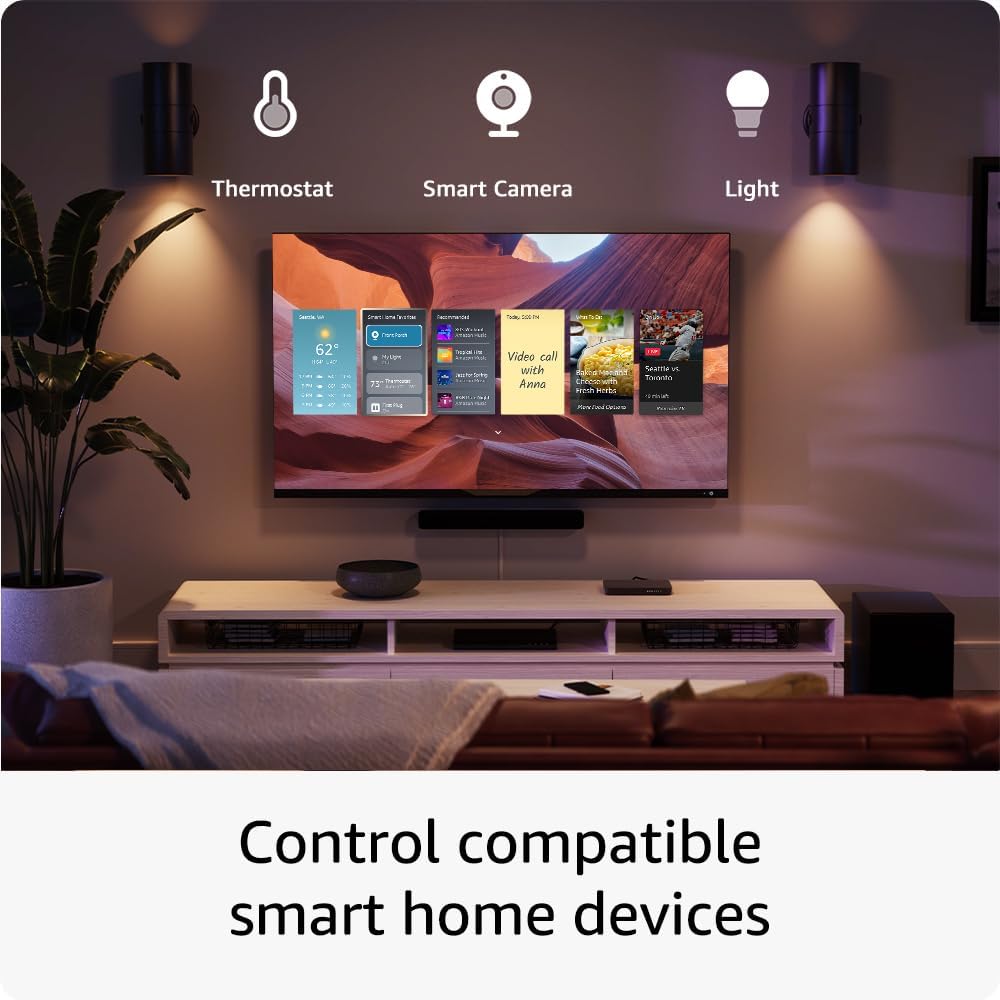
- Control compatible smart home devices while streaming
Benefit for creators: Saves time and makes multitasking easier, especially during video editing or live streaming.
2️⃣ Install Productivity and Streaming Apps
While Fire TV is designed for entertainment, it can also support productivity apps:
- Install YouTube, Vimeo, or Twitch to keep track of trends and upload content
- Use Amazon Silk Browser or Firefox to access web-based tools
- Stream your tutorials, webinars, or online courses directly on TV
Benefit for creators: Turn your living room or studio into a large-screen productivity hub without needing a separate device.
3️⃣ Optimize Settings for Best Performance
To get the fastest streaming experience:
- Enable Enhanced HDMI CEC Control for smooth navigation
- Use 4K Ultra HD and HDR settings for crisp visuals
- Clear cache regularly to maintain performance
Benefit for creators: Smooth playback and reduced buffering improve content analysis, editing previews, and streaming reliability.
4️⃣ Use Screen Mirroring and Casting
Fire TV Stick 4K Max supports screen mirroring and casting from multiple devices:
- Mirror your laptop or smartphone to watch tutorials or live streams on a big screen
- Cast your editing software previews for better visual checks
- Stream presentations or social media dashboards for team collaboration
Benefit for creators: Makes it easier to review content and collaborate without extra equipment.
5️⃣ Leverage Alexa Routines and Smart Home Integration
The Fire TV Stick 4K Max can be integrated into your smart home workflow:
- Set routines like “Start Movie Night” to dim lights and launch apps automatically
- Control lights, fans, or cameras while streaming or recording
- Use it with other Amazon devices for a connected studio environment
Benefit for creators: Saves time and enhances the studio workflow, letting you focus on creating content instead of managing devices.
Bonus Tip: Keep Your Fire TV Stick Updated
- Regularly check for software updates to ensure optimal performance
- Updates may include security patches, speed improvements, and new features
- Enable automatic updates for convenience
Final Thoughts
The Fire TV Stick 4K Max is more than a streaming device—it’s a powerful tool for both entertainment and productivity. By using voice commands, productivity apps, smart home integration, and screen mirroring, content creators can maximize efficiency and improve workflow.
Whether you’re streaming tutorials, reviewing your own content, or just relaxing with entertainment, these tips will help you get the most out of your Fire TV Stick 4K Max.