
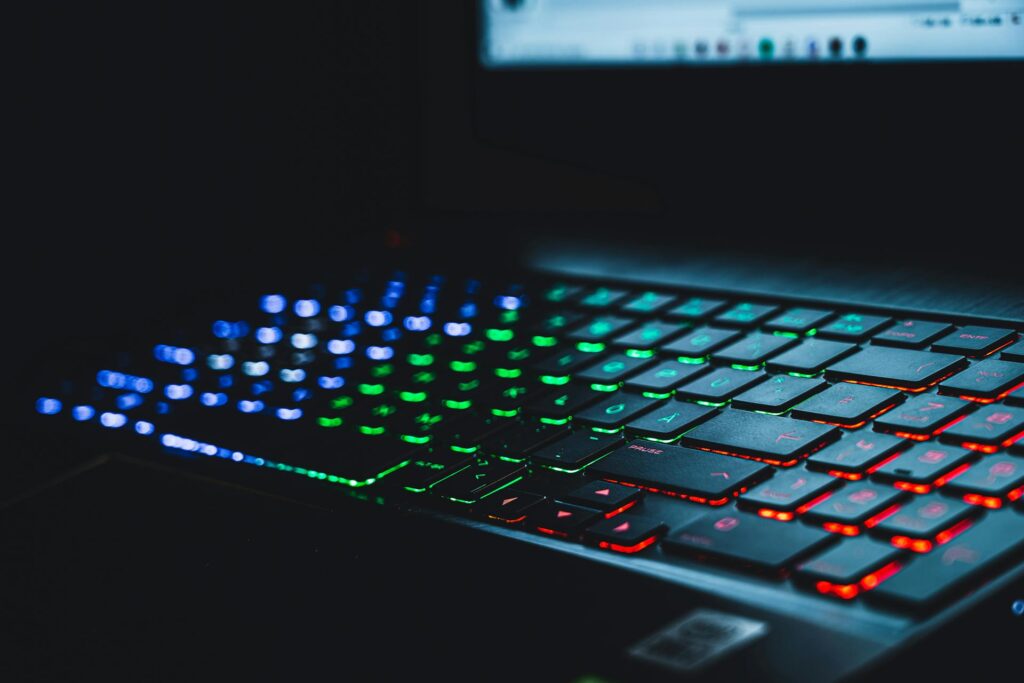
For content creators, productivity is everything. Whether you’re writing blog posts, editing videos, designing graphics, or managing social media, your keyboard plays a major role in your workflow. The Logitech MX Keys S is designed specifically for professionals who want speed, precision, and efficiency.
Here are 7 powerful productivity tips to help content creators maximize the MX Keys S in 2026.
1️⃣ Customize Shortcut Keys for Your Editing Software
Using Logi Options+, you can assign custom shortcuts for apps like:
- Adobe Premiere Pro
- Photoshop
- Final Cut Pro
- Microsoft Word
- Google Docs
Instead of memorizing complex keyboard combinations, you can assign one key to:
- Export a video
- Open a project
- Duplicate a layer
- Publish a draft
Productivity boost: Saves minutes every session — which adds up over time.
2️⃣ Create App-Specific Profiles
One of the most powerful features is app-based customization.
For example:
- In Word → shortcuts for formatting and headings
- In Premiere → timeline editing commands
- In Photoshop → brush or layer shortcuts
The keyboard automatically adapts based on the active app.
Why it matters: No need to reconfigure settings manually.
3️⃣ Use Multi-Device Switching for Seamless Workflow
MX Keys S allows connection to 3 devices at once.
Example workflow:
- Device 1 → Laptop (writing scripts)
- Device 2 → Desktop (video editing)
- Device 3 → Tablet (content planning)
Switch between them instantly with a single key.
Productivity gain: No unplugging, no Bluetooth reconnection delays.
4️⃣ Take Advantage of Smart Backlighting
The MX Keys S features automatic smart illumination:
- Lights turn on when your hands approach
- Brightness adjusts based on room lighting
For creators working late at night or in studio setups, this improves accuracy and reduces eye strain.
Bonus tip: Lower brightness manually to extend battery life.
5️⃣ Use Flow for Cross-Computer Workflow
If you use multiple computers, Logitech Flow lets you:
- Move your cursor between devices
- Copy text on one device
- Paste it on another
Perfect for creators who:
- Write on a laptop
- Edit on a desktop
- Manage uploads on another system
Huge efficiency upgrade for multi-system setups.
6️⃣ Optimize Battery Usage for Long Work Sessions
Battery life can last:
- Up to 10 days with backlight on
- Up to 5 months with backlight off
To maximize battery:
- Reduce backlight intensity
- Turn it off during daytime
- Use USB-C fast charging during breaks
Result: Fewer interruptions during deep work sessions.
7️⃣ Improve Typing Speed with Key Precision
The MX Keys S features:
- Spherically dished keys
- Quiet, tactile feedback
- Stable keystrokes
This reduces typing errors and finger fatigue during long writing sessions.
For:
- Bloggers
- Copywriters
- Script writers
- Email marketers
This can significantly increase writing speed and comfort.
Final Thoughts
The Logitech MX Keys S is more than just a wireless keyboard — it’s a productivity powerhouse for content creators.
By customizing shortcuts, leveraging multi-device switching, using smart backlighting, and optimizing workflow automation, you can:
✅ Save time
✅ Reduce friction
✅ Increase output
✅ Improve creative focus


If you’re serious about content creation in 2026, mastering these productivity tips will help you get the most out of your MX Keys S.