
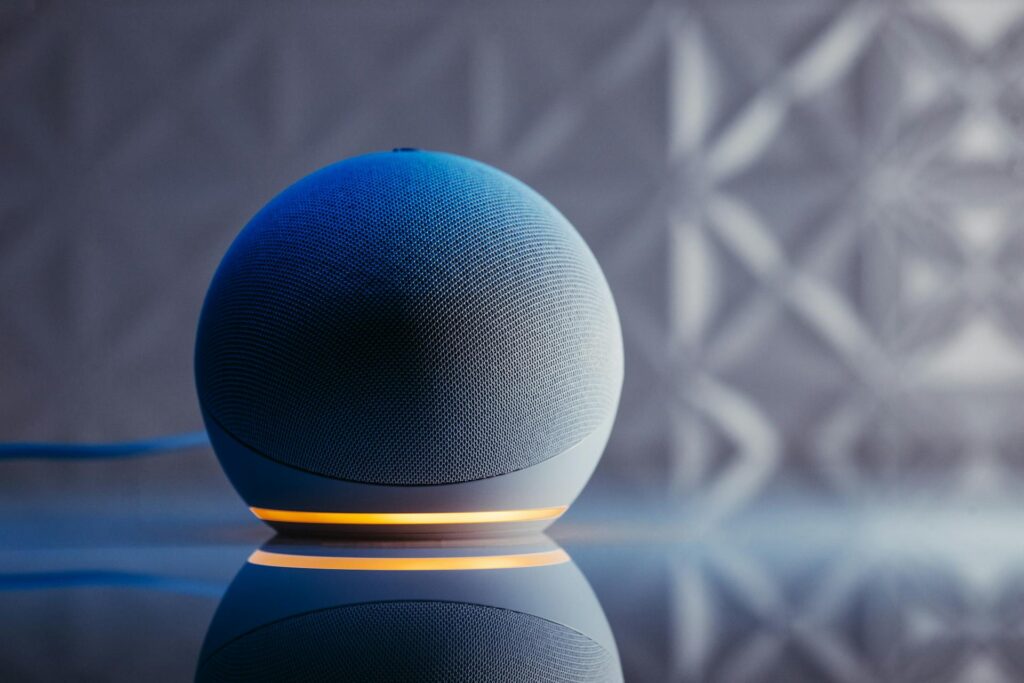
Content creators—whether YouTubers, podcasters, or social media influencers—are always looking for tools that save time and streamline workflow. The Echo Dot (Newest Model) is more than just a smart speaker; it’s a versatile productivity assistant that can help creators stay organized, focused, and efficient. Here are the top 5 ways you can use it to boost your productivity.
1️⃣ Hands-Free Scheduling and Reminders
One of the most useful features for creators is the ability to manage your time without touching your phone. With the Echo Dot:
- Set recording schedules or deadlines with simple voice commands
- Receive reminders for video uploads, podcast episodes, or client meetings
- Sync your tasks with Google Calendar or Apple Calendar for seamless planning
Benefit for creators: Helps you stay on top of deadlines and reduces the mental load of remembering every task.
2️⃣ Voice-Controlled Smart Home Studio
For creators with home studios, the Echo Dot can control smart devices to make recording easier:
- Adjust smart lights to set the perfect recording ambiance
- Control smart plugs for cameras, ring lights, or monitors
- Use routines like “Start Recording” to turn on multiple devices at once
Benefit for creators: Saves setup time and ensures a consistent recording environment every session.
3️⃣ Quick Research and Idea Generation
Creativity often requires fast access to information and inspiration. With the Echo Dot:
- Ask questions about trends or news topics for content ideas
- Get definitions, explanations, or quick facts without breaking workflow
- Use it as a hands-free brainstorming assistant while editing
Benefit for creators: Keeps your workflow smooth without interrupting your hands-on tasks.
4️⃣ Audio Assistance for Recording and Editing
The Echo Dot can also improve audio-related tasks for creators:
- Play reference music or sound effects during video editing
- Set timers for recording sessions or editing sprints
- Use Alexa skills for voice-controlled audio adjustments
Benefit for creators: Helps maintain focus and timing while working on multiple content projects.
5️⃣ Voice-Activated Communication and Collaboration
Content creation often requires team coordination or client communication. Echo Dot can assist with:
- Sending messages or making calls using voice commands
- Connecting with collaborators through Drop-In or Alexa Calling
- Integrating with apps like Zoom or Microsoft Teams via Alexa skills
Benefit for creators: Streamlines collaboration without interrupting creative flow.
Bonus Tips for Content Creators
- Customize Alexa routines to automate repetitive studio tasks
- Use the Echo Dot as a timer for breaks to maintain focus and avoid burnout
- Pair multiple Echo devices to create a studio-wide smart assistant system


Final Thoughts
The Echo Dot (Newest Model) is more than a smart speaker—it’s a productivity tool for content creators. By using voice commands to manage your schedule, control your studio, generate ideas, and streamline communication, you can save time and focus on what really matters: creating amazing content.
Whether you’re a solo YouTuber or part of a creative team, integrating the Echo Dot into your workflow can boost efficiency, reduce stress, and enhance your creative output.